
AI-generated logos often look blurry or low-quality because they are created in raster formats (like PNG or JPG). To make them high-resolution and print-ready, they must be converted into vector format (SVG, EPS, or PDF) and professionally refined for scalability and branding consistency.
Notes:
In this blog, you will learn why AI logos become blurry, how to convert them into high-resolution vector files, and when to hire a professional designer for brand-ready results.
Table of Contents
- Why AI Logos Look Low Quality
- Vector vs Raster Explained
- How to Fix AI Logo Quality
- Tools vs Professional Conversion
- Professional Logo Services
- FAQs
Why AI Logos Often Look Blurry or Low Quality
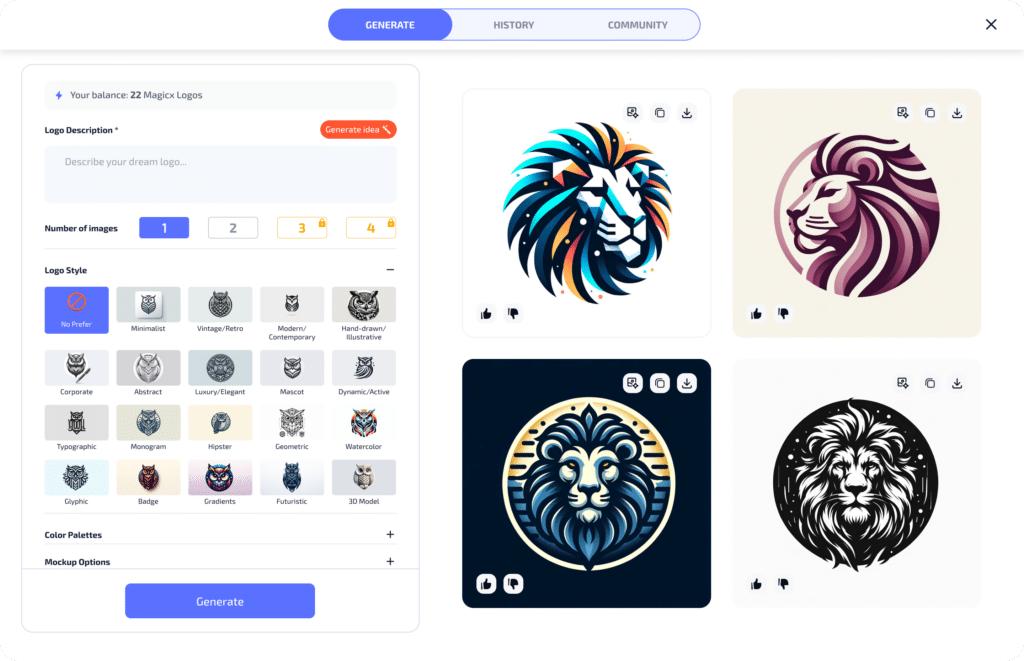
AI logo generators have become extremely popular among startups and small businesses. They provide instant designs, but most of these logos are not production-ready.
The main issue is that AI tools typically export logos in raster formats, which are made of pixels instead of scalable shapes. When you zoom in or print them, the quality breaks down.
This is why many business owners search for solutions like convert AI logo to vector or AI logo to high resolution after creating their initial design.
Another issue is that AI tools do not understand branding depth, meaning logos often lack balance, spacing, and professional typography alignment.
Vector vs Raster: The Most Important Difference
Understanding vector vs raster is the key to fixing AI-generated logos.
| Feature | Raster (AI Logos) | Vector (Professional Logos) |
|---|---|---|
| Scalability | Becomes blurry when resized | Scales infinitely without loss |
| File Types | PNG, JPG | SVG, EPS, PDF |
| Print Quality | Poor for large prints | Perfect for all sizes |
| Editing | Limited flexibility | Fully editable shapes |
Vector logos are essential for business branding because they maintain clarity across billboards, business cards, websites, and packaging.
How to Convert AI Logo to High Resolution (Step-by-Step)
Fixing a blurry AI logo involves more than just upscaling the image. It requires professional reconstruction.
Step 1: Analyze the AI Logo
Designers first examine the logo to identify shape inconsistencies, font issues, and pixel limitations.
Step 2: Redraw in Vector Format
The logo is manually recreated using vector software like Adobe Illustrator to ensure clean curves and scalable shapes.
Step 3: Adjust Typography and Spacing
Fonts are refined or replaced to improve readability and brand identity consistency.
Step 4: Color Optimization
Colors are adjusted for print, digital screens, and branding guidelines.
Step 5: Export in Multiple Formats
Final files are delivered in SVG, EPS, PNG, and PDF formats for full usability.
Notes:
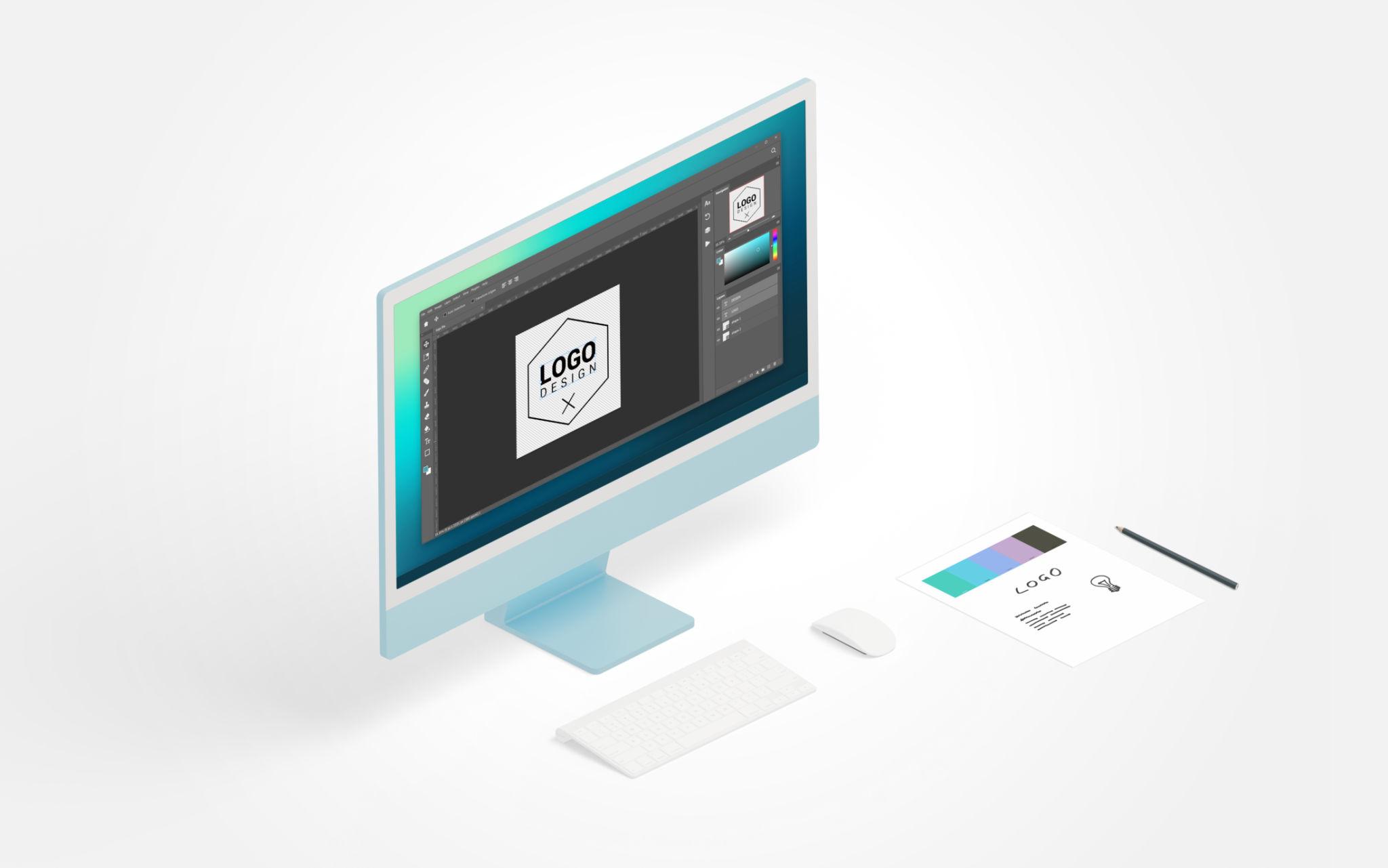
In this section, we covered the full process of converting an AI logo into a professional high-resolution vector design, including redraw, refinement, and export stages.
AI Tools vs Professional Logo Conversion
| Feature | AI Logo Tools | Professional Designers |
|---|---|---|
| Quality Output | Generic and pixel-based | High-quality vector branding |
| Customization | Limited templates | Fully custom design |
| Brand Strategy | None | Included |
| Scalability | Poor | Perfect |
While AI tools are fast, they cannot replace professional branding strategy. Businesses often upgrade their AI logos once they start scaling.
When to Hire a Professional Logo Designer
If your logo looks blurry, unprofessional, or inconsistent across platforms, it’s time to consider expert help.
At Logo Design San Antonio, we specialize in converting AI-generated logos into high-resolution brand identities that are ready for real business use.
We also offer related services such as:
- Logo Vectorization Services
- Custom Logo Design
- Same Day Logo Design San Antonio
- Professional Graphic Designer San Antonio
- Transparent Pricing Plans
These services ensure your brand identity is not only visually strong but also consistent across digital and print platforms.
Why High-Resolution Logos Matter for Business Growth
A high-resolution logo is more than just a design upgrade—it directly impacts brand trust.
Customers associate sharp, clean visuals with professionalism and credibility. A blurry logo can make even a great business appear unreliable.
That’s why companies investing in branding early tend to perform better in competitive markets.
Frequently Asked Questions
Why does my AI logo look blurry?
AI logos are usually created in raster formats that lose quality when scaled or printed.
Can I convert an AI logo to vector myself?
Yes, but professional tools and experience are required for clean and accurate results.
What is the best file format for logos?
SVG and EPS are best for scalability and professional printing.
Do I need a designer to fix my AI logo?
If you want brand-quality results, hiring a professional is highly recommended.
How long does logo conversion take?
Simple conversions can take a few hours, while full redesigns may take 1–3 days.
Final Thoughts
AI logo tools are a great starting point, but they are not the final step in building a strong brand identity.
To compete professionally, businesses need high-resolution vector logos that are scalable, editable, and visually consistent across all platforms.
Converting your AI logo into a professional design is one of the fastest ways to upgrade your brand image in 2026.
If you are struggling with a blurry or low-quality AI logo, Logo Design San Antonio can help transform it into a powerful brand identity.
Get a professional upgrade today and explore our branding solutions:
- Custom Logo Design Packages
- AI Logo Vector Conversion
- Brand Identity Design
- Fast Turnaround Logo Services

0 Comments